

TLDR
- Count your stills before you write. No image is T2VA. One opening still is I2VA. One ending still is L2VA. Opening plus ending is FL2VA (MiniMax video prompt-writing guide).
- Write three fields in this order:
integrated_multimodal_description,overall_soundscape,non_diegetic_music(same guide; GitHub copy). - Keyframe modes need a first-line alignment instruction, then a blank line, then the three fields. T2VA skips that line.
- MiniMax H3 Max returns a short clip with native stereo, up to 15 seconds, at up to 2K (MiniMax H3 launch post; open-source specs).
- Paste the finished block into the MiniMax H3 Max video generator and attach the stills the mode expects.
Key Takeaways
- Mode is an asset decision, not a vibe decision. The stills you actually have pick T2VA / I2VA / FL2VA / L2VA; picking the wrong one locks the picture to the wrong moment on the timeline (prompt-writing guide).
- The three fields do different jobs. Picture, action, cuts, speakers, and spoken lines live in
integrated_multimodal_description. Room tone, footsteps, and non-verbal human sound live inoverall_soundscape. Score the characters cannot hear lives innon_diegetic_music. - Shot 1 has no clock. Later shots start with a rising cut time inside the clip length. A timestamp on Shot 1 is a documented miss (guide §4.2).
- Camera is a sentence, not a tag pile. Write motion type + amplitude + speed inside the shot: “The camera pushes in with small amplitude at slow speed…” (guide §4.3).
- Duration is a number you must keep honest. Public output is 4–15 seconds as whole seconds;
S.SSon a last-frame line has to match the length you generate (platform video guide; prompt-writing skill). - Try path: paste Prompt 1 or Prompt 2 into the video generator. Need a still first? Build it on the image page, then come back to video.
Pick the mode from the stills you have
MiniMax’s public prompt-writing guide splits four text/keyframe shapes (Hugging Face guide; GitHub base-en.txt). The platform docs describe the same family as text-to-video, first/last-frame image-to-video, and a separate full-reference path (video generation guide; GitHub README).
| What you actually have | Use | What the prompt must do | What goes wrong if you pick the other one | | --- | --- | --- | --- | | Only a sentence | T2VA | Build the whole timeline in the three fields. No alignment line. | An I2VA/FL2VA/L2VA first line asks for a Picture 1 you never attached, so the opening (or ending) has nothing to lock. | | One still that should be the first frame | I2VA | First line pins Picture 1 to 0.00s / Shot 1, then the body walks forward. | Writing it as L2VA treats that still as the ending. The clip will try to arrive there instead of starting there. | | One still that should be the last frame | L2VA | First line pins Picture 1 to S.SS / the final shot, then the body converges. | Writing it as I2VA freezes the still at 0.00s. The ending is unconstrained, so you often lose the pose you cared about. | | Two stills: start and end | FL2VA | First line maps Picture 1 to 0.00s and Picture 2 to S.SS. Prefer one shot so the path can actually land. | Extra cuts in the body can finish on a shot that is not the last-frame picture. T2VA with two uploads ignores the alignment contract. | | Many images, clips, or audio as reusable references | Ref2VA (not this article) | Full-reference is a six-section format, not these three fields. | Stuffing extra assets into a keyframe prompt drops identities, motion, or voice the three-field shape cannot name. |
Ref2VA is another format: six sections, not the three-field keyframe body. This article does not cover it.
Alignment lines (copy the exact sentence)
T2VA — skip this. Start on integrated_multimodal_description.
I2VA:
For the target video, at 0.00 seconds into the target video, <Picture 1> (from [Shot 1]) is fully referenced.FL2VA:
How the reference pictures align with the target video — Picture 1 (from Shot 1) aligns with the 0.00-second mark of the target video; Picture 2 (from Shot N) aligns with the S.SS-second mark of the target video.L2VA:
How the reference pictures align with the target video — <Picture 1> (from [Shot N]) aligns with the S.SS-second mark of the target video.N is the last shot index. S.SS is the clip length to two decimals (8.00 if you generate 8 seconds). Put this instruction on line one, then one blank line, then the three fields (guide §2.1).
What belongs in each of the three fields
Field order is fixed (guide §2.2):
integrated_multimodal_descriptionoverall_soundscapenon_diegetic_music
| Field | Put this here | Leave this out |
| --- | --- | --- |
| integrated_multimodal_description | Style, first composition, wardrobe, props, action, cuts, camera sentences, speaker IDs such as (S1), spoken/sung lines in the d-tags shown in the copy-paste blocks, on-screen type in English double quotes, diegetic sound tied to a beat (a scanner beep as it happens, a radio the clerk can hear) | Mood essays (“emotional,” “epic”). Abstract camera tags dumped at the end of the shot. Score the characters cannot hear. |
| overall_soundscape | 1–4 sentences of ambience + physical action + non-verbal human sound for the whole clip (rain, fans, footsteps, paper, a breath, a laugh) | Dialogue, lyrics, or diegetic music (those already live in the description). Do not repeat lines you already wrote. Use N/A only if you asked for complete silence. |
| non_diegetic_music | 1–3 sentences of audible score: instruments, tempo, rhythm, volume change. Characters cannot hear this. | Abstract mood words (“sad,” “uplifting,” “emotional function”). Phone/TV/radio music the characters can hear belongs in the description. Use N/A when there is no score. |
Common “right fact, wrong slot” mistakes
- Spoken line in
overall_soundscape. The mouth and the words belong in the description with(S1)and<d>. Soundscape may keep a laugh or a breath, not the sentence. - “Emotional piano” in
non_diegetic_music. Name the instrument, tempo, and dynamics. Drop the mood adjective. - Camera as a label stack.
Push In, Slow, Smallat the end of a shot is weaker than one English sentence with type + amplitude + speed (guide §4.3). - On-screen type rewritten. A neon sign, carton mark, or UI string stays in English double quotes, original words and punctuation, no translation (guide §4.5).
- Dialogue rewritten “to sound better.” Inside
<d>, keep the user’s language tag and the exact spoken string. Identifying the speaker stays outside<d>(guide §4.4).
Failure boundaries (check these before you generate)
These are the misses the public guide calls out. They are a reliable way to waste a take.
| If you do this | What usually happens | Fix |
| --- | --- | --- |
| Add a timestamp to Shot 1 | The opening clock fights the alignment line (or invents a start time T2VA does not use) | Shot 1: style + composition only. First clock goes on Shot 2+, rising, inside the clip length ([Shot 2] At 00:04.500, …) |
| Stack camera labels instead of a sentence | Motion is ignored or snaps | The camera pushes in with small amplitude at slow speed toward the receipt. |
| Put dialogue in overall_soundscape | Lips and words drift; the line never attaches to (S1) | Move the spoken string into the description, inside <d>. Keep soundscape for room and body noise. |
| Score with abstract mood words | Music is generic or fights the picture | Instruments + tempo + volume change. Or N/A. |
| Translate or polish spoken lines / on-screen type | The model “helps” and you lose the line you needed | Quote the original. Language tag inside <d>. Carton marks in "double quotes". |
| FL2VA with several cuts | Picture 2 never becomes the last frame of the last shot | One shot from Picture 1 → Picture 2, unless you truly need a cut and still land Shot N on Picture 2 at S.SS |
| S.SS does not match duration | Last-frame lock is early, late, or missing | Generate 8 seconds → write 8.00. Platform duration is 4–15 whole seconds (platform specs) |
Public output story for MiniMax H3 Max: up to 15 seconds, up to 2K, native stereo, 24 fps in the open-source spec sheet (launch post; open-source announcement; Jul. 31, 2026 release notes). Hosted resolution is described as 768P / 2K (platform specs). Plan one beat per generate.
Weak prompt → structured prompt (two originals)
These are rewrites, not the four official bakery / train / cyclist / glass cases. Steal the shape. Do not paste those four scenes as your brief.
Prompt 1 — T2VA (no still)
Weak start: “cinematic convenience store, clerk talks, emotional music, 8 seconds.”
Why it fails: no shot list, no speaker ID, mood-word score, no soundscape/music split, no duration math.
Copy-paste (8-second T2VA):
integrated_multimodal_description: [Shot 1] Live-action, cinematic, a medium shot frames a late-night convenience store counter as a clerk in a navy polo scans a glass bottle of barley tea. Fluorescent light reflects on the wet raincoat of the customer across the counter. The camera trucks left with small amplitude at slow speed as the clerk with a low, even voice (S1) says: <d>[English] Receipt in the bag?</d> [Shot 2] At 00:04.500, the camera cuts to a close-up of the thermal printer peeling a receipt while the clerk's last words carry over from the previous shot.

overall_soundscape: Cooler fans hum behind the counter while rain ticks against the glass doors. The barcode scanner beeps once, followed by the soft tear of thermal paper.

non_diegetic_music: A muted electric-piano figure at a slow tempo, joined by a low analog bass pulse that fades after the receipt prints.
What changed: Shot 1 has no clock; Shot 2 is 00:04.500 inside 8 seconds; camera is a sentence; the spoken line is inside <d> with (S1) outside; soundscape is room + action; music names instruments instead of “emotional.”
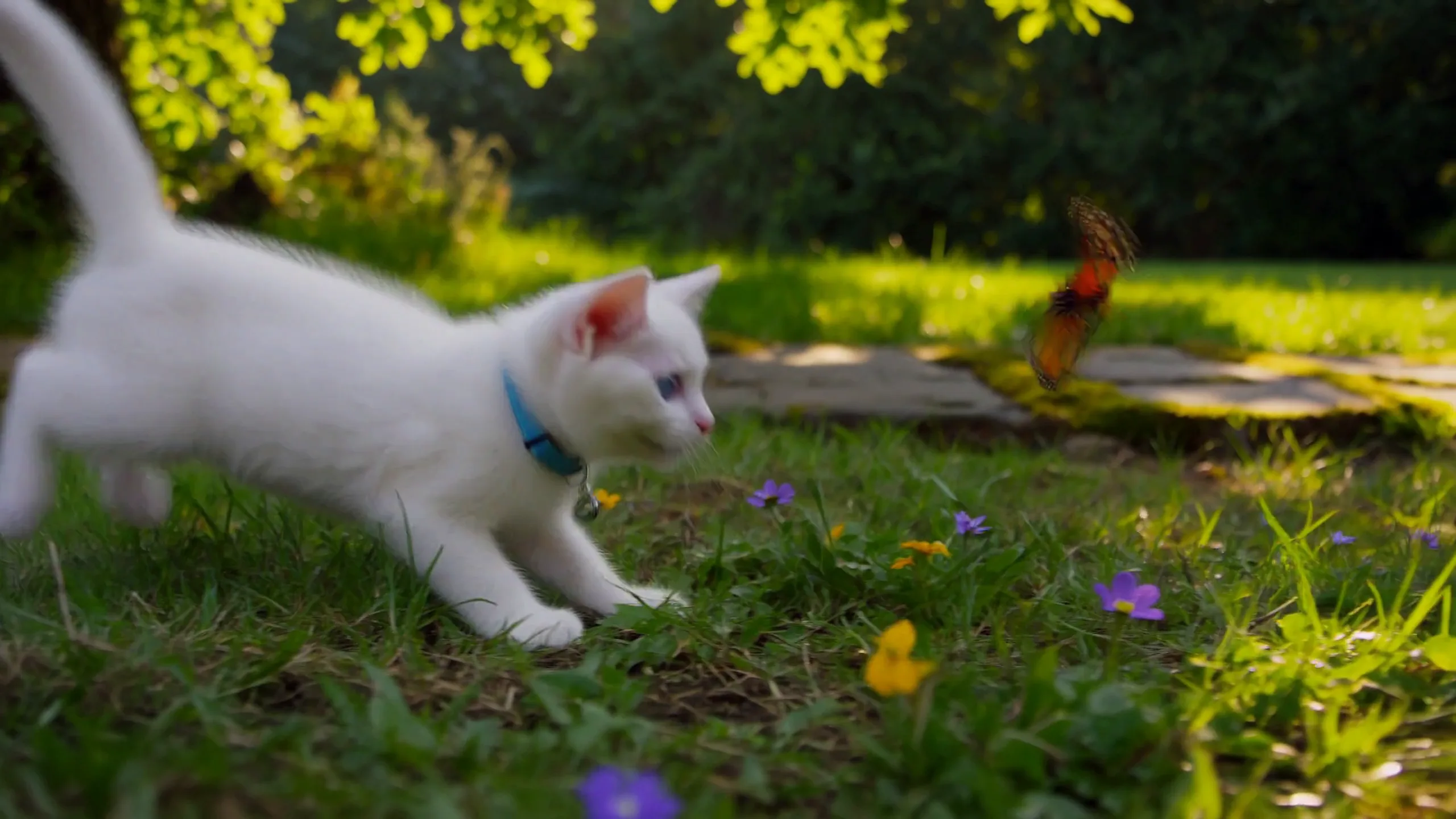
Text-to-video look reference hosted on MiniMax H3 Max · use it to plan motion, not as a graded master
Prompt 2 — FL2VA (two product stills)
Weak start: “animate these two pack shots, zoom in, upbeat music, a few cuts.”
Why it fails: FL2VA wants a path between two frames, usually in one shot. “A few cuts” plus a mood-word score is how Picture 2 never arrives.
Copy-paste (8-second FL2VA, single shot): attach the closed carton as Picture 1 and the opened carton + mug as Picture 2.
How the reference pictures align with the target video — Picture 1 (from Shot 1) aligns with the 0.00-second mark of the target video; Picture 2 (from Shot 1) aligns with the 8.00-second mark of the target video.

integrated_multimodal_description: [Shot 1] Live-action, cinematic, a closed oatmeal-colored carton sits on a pale oak table in the framing established by Picture 1, lid sealed, one-color mark reading "AURA MUG" facing camera. The camera pushes in with small amplitude at slow speed as two hands enter from the lower edge, lift the lid along its scored fold, and set it aside. Tissue paper parts. A speckled ceramic mug rises into the exact placement, rotation, and table spacing established by Picture 2 at the end of the shot.

overall_soundscape: Soft room tone under a wooden table, then the dry scrape of a carton lid and the rustle of tissue. The mug taps once against oak as it settles.

non_diegetic_music: N/A
What changed: alignment line first; S.SS = 8.00; one shot; carton type stays in "AURA MUG"; camera is type + amplitude + speed; no score, because a product land often reads cleaner silent-score.
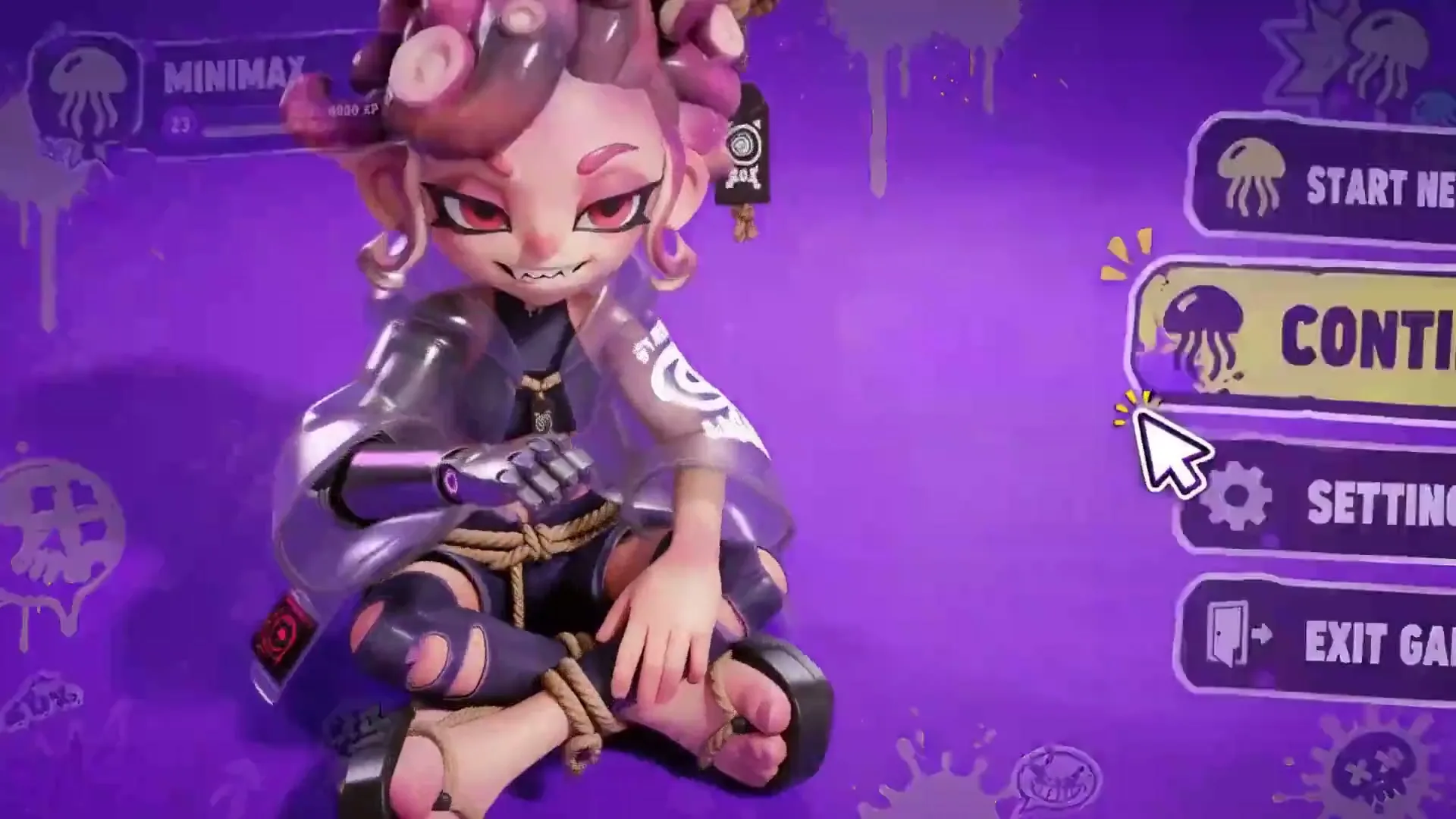
Start/end still job · hosted on MiniMax H3 Max · generated-style still for planning
Need only one opening still instead of two? Swap to I2VA: keep the I2VA first line, describe Picture 1 as Shot 1 at 0.00s, then write the next action — do not re-describe a different product.
How to run it on MiniMax H3 Max
- Choose the mode with the table above. If you still need a first or last frame, generate or crop it on the image generator first.
- Open the MiniMax H3 Max video generator. Keep MiniMax H3 Max selected.
- Set duration to a whole second from 4 to 15. If the prompt says
8.00, generate 8 seconds. - Paste Prompt 1 (T2VA) or Prompt 2 (FL2VA). Attach stills only for I2VA / FL2VA / L2VA.
- Watch once without scrubbing, then scrub: cut logic, identity, hands, on-screen type, whether sound matches events.
The MiniMax H3 Max home is the overview. Paste into the video generator, not the home page.
What We Know vs What We Don’t
| We know (sourced) | We don’t know / won’t claim |
| --- | --- |
| Four text/keyframe shapes: T2VA, I2VA, FL2VA, L2VA, with fixed alignment lines and three fields in a fixed order (Hugging Face guide; GitHub base-en.txt, commit 35491cd, 2026-08-05) | That every control in the video generator is labeled with those four acronyms. Paste the matching shape; attach stills when you have them. |
| MiniMax H3 Max follows the public launch specs: unified text/image/video/audio context, up to 15s, up to 2K, native stereo (launch post, 2026-07-31; open source, 2026-08-03; release notes) | End-to-end generation time. There is no public, verifiable latency number to quote. |
| Hosted duration is 4–15 seconds, integer seconds; hosted resolution 768P / 2K; first/last-frame takes 0–2 images (platform video guide, accessed 2026-08-26) | That a freeform sentence is auto-rewritten into the three fields on every run. Write the fields yourself. |
| Camera language is type + amplitude + speed inside the shot sentence; speakers use stable (S1) IDs; <d> keeps original wording (guide §4) | Pixel-perfect carton marks or lip sync without a human pass. Zoom-check type and mouths before you ship. |
| Full-reference (Ref2VA) is a different six-section rewrite (GitHub README; prompt-writing skill) | The six-section body. Out of scope here. |
FAQ
Which MiniMax H3 Max mode should I use?
Count stills. None → T2VA. One opening still → I2VA. One ending still → L2VA. Opening and ending → FL2VA. Extra images, video, or audio as reusable references → Ref2VA, which this page does not write.
What goes in each of the three fields?
Description: picture, action, cuts, speakers, spoken lines, diegetic hits. Soundscape: 1–4 sentences of room, materials, and non-verbal human sound. Music: 1–3 sentences of score the characters cannot hear, or N/A.
Can I put a timestamp on Shot 1?
No. Shot 1 opens with style and composition. The first At 00:… belongs on a later shot, and it must stay inside the clip length (guide §4.2).
Where does dialogue go?
In integrated_multimodal_description, with a stable (S1) (or (S1,S2)) outside <d> and the original line inside <d>. Do not park the sentence in overall_soundscape.
How should I write camera moves?
One English sentence: motion type + amplitude + speed. Example: “The camera pans right with large amplitude at fast speed, revealing the open doorway.” Do not append a list of tags.
Why does my FL2VA clip miss the last frame?
Usually too many cuts, or S.SS does not match the generated length. Prefer a single shot from Picture 1 to Picture 2, and set S.SS to the same whole-second duration you selected.
What is Ref2VA?
Full-reference generation: up to 9 images, 3 videos, and 3 audio clips, 12 files total (platform input limits; GitHub README). It uses a six-section prompt. Not covered here.
How long can a MiniMax H3 Max clip be?
Public specs: up to 15 seconds. The platform guide lists 4–15 whole seconds (platform specs; launch post). Keep S.SS in lockstep with that number.
How do I try this here?
Open the MiniMax H3 Max video generator, paste Prompt 1 or Prompt 2, attach stills when the mode needs them, generate, then full-screen review.
Should I translate on-screen text or spoken lines?
No. Keep spoken wording inside <d>. Keep visible type in English double quotes, original punctuation included.
What if my prompt is longer than the clip?
MiniMax’s prompt-writing notes say to match description time to requested length, in the 4–15 second window (prompt-writing notes). Cut a shot or drop a clause rather than packing 20 seconds of action into an 8-second generate.
About Jordan Hale
Jordan Hale is an AI video prompt writer. He turns MiniMax H3 Max briefs into copy-ready T2VA / I2VA / FL2VA / L2VA prompts. He writes the hands-on prompt guides on MiniMax H3 Max.