
MiniMax H3 Image Generator H3 Image Edit With Your Photos
MiniMax H3 Image free to try: text to image and photo edits at 1K, 2K or 4K.
MiniMax H3 Image is MiniMax's image model for making and editing pictures, released in November 2026 with open weights. It rewrites a short prompt into a detailed scene before it draws, so a few words are enough to start. For a MiniMax H3 Image edit, upload up to 16 reference images and name them Image 1, Image 2 in upload order. Pick 1K, 2K or 4K, then take a finished picture to the video generator and animate it with MiniMax H3 Max.

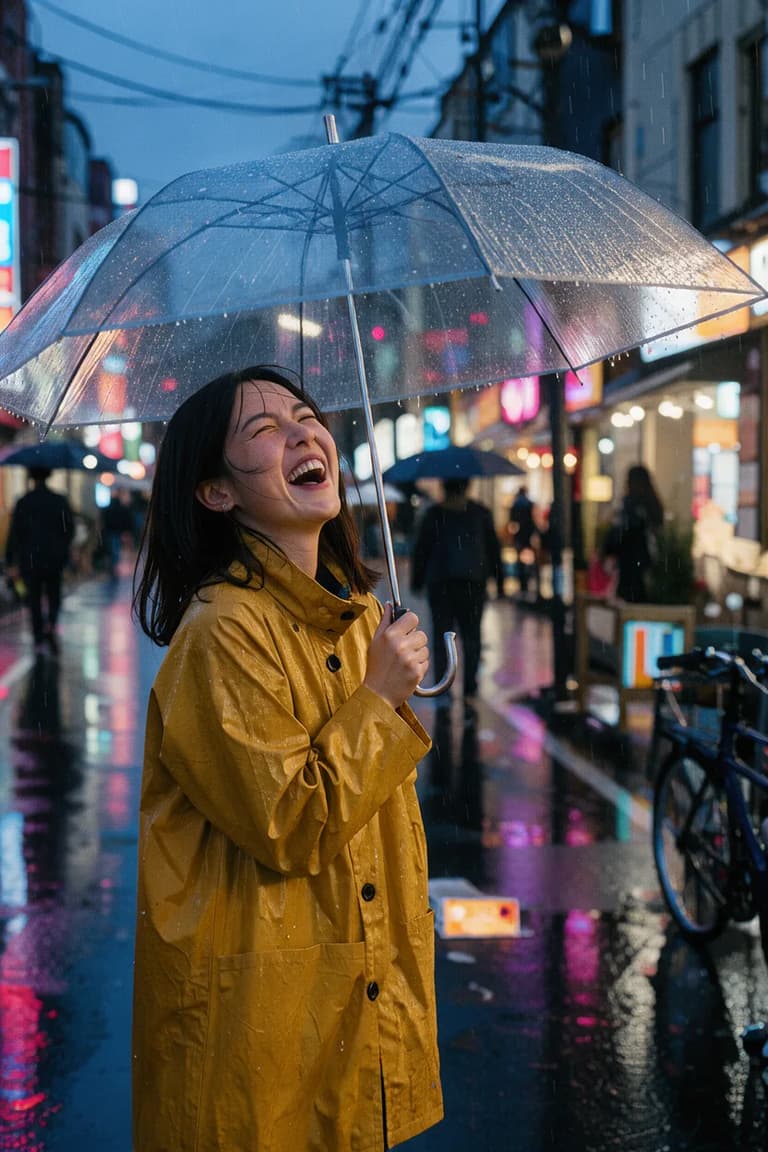
Candid street portrait of a young woman in a mustard raincoat laughing under a clear umbrella on a rainy Tokyo side street at dusk, neon reflections on wet asphalt, shallow depth of field, 35mm film look.
What MiniMax H3 Image Does
MiniMax H3 Image is MiniMax's image model for making and editing pictures. You may see it written as minimax-h3-image, H3 Image or just h3 image; it's the same model. It rewrites a short prompt into a detailed scene before it draws, so a few words are enough to start. Upload up to 16 reference images and refer to them as Image 1, Image 2 in upload order to swap a background, merge products into one shot or keep a face across scenes. On MiniMax H3 Max, H3 Image is the default in the image generator, and when a picture is ready you can take it to the video generator and animate it with MiniMax H3 Max.
MiniMax H3 Image Edit Examples
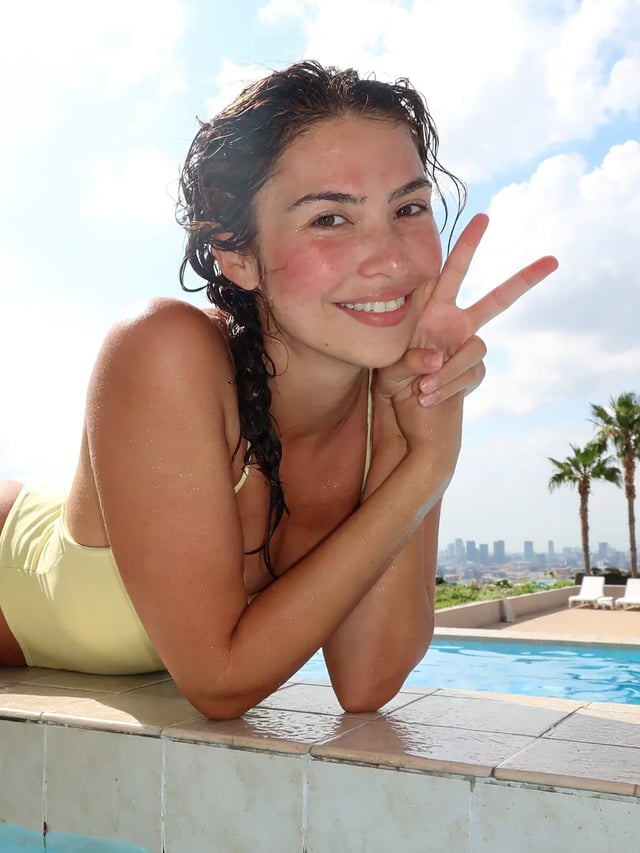
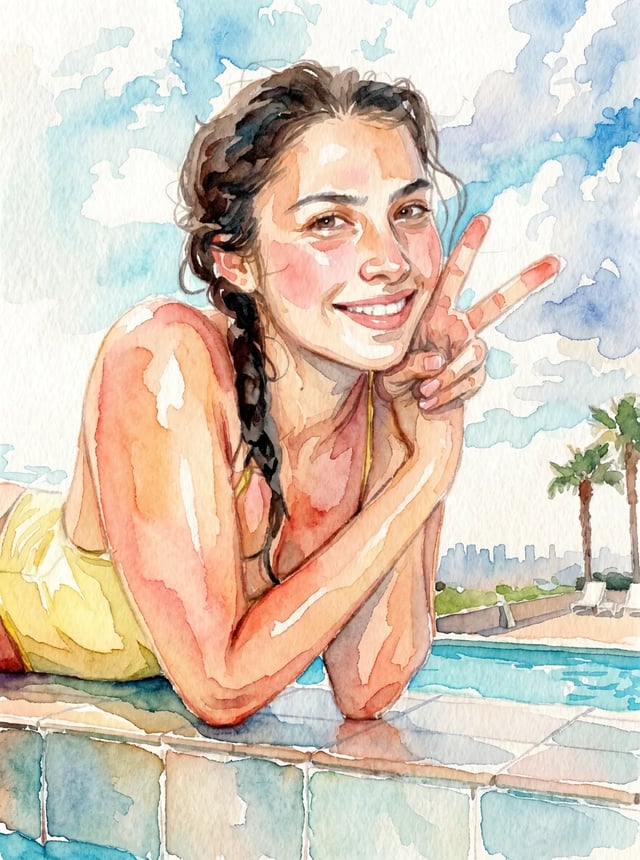
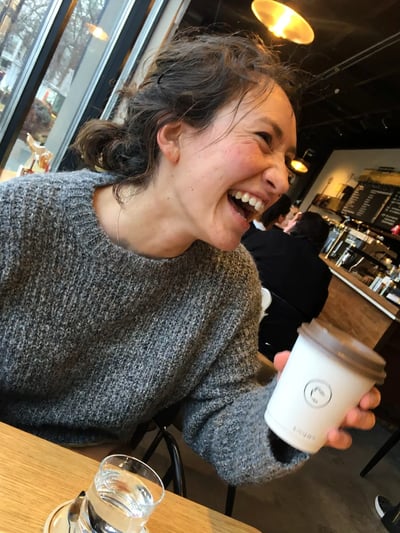
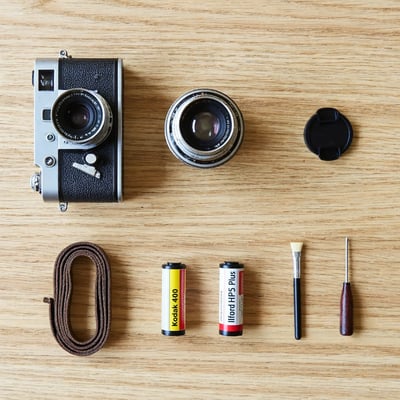
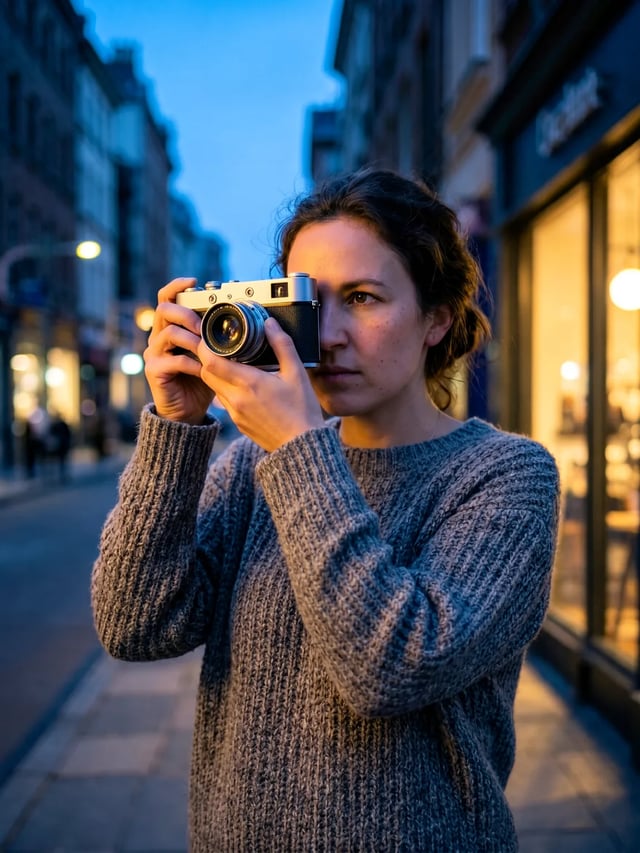
We ran both edits on November 11, 2026 with MiniMax H3 Image at 2K, starting from pictures the model had made earlier. The watercolor took 20 seconds and kept the pose, the braid and the pool. The two-picture edit took 24 seconds: the sweater and the silver camera carried over, but her face came out a little older than in Image 1. Zoom in on faces before you save.
Prompt
Repaint Image 1 as a loose watercolor illustration on textured paper: soft color washes, visible brush strokes and white paper showing through, while keeping the same woman, her pose, the peace sign and the pool behind her.
Result
Result · 2K · 20 seconds
Prompt
The woman from Image 1, in the same gray knit sweater, stands on a quiet city street at dusk and holds the silver vintage film camera from Image 2 up to her eye, about to take a photo. Warm shop-window light on her face, blue evening sky, soft background. Keep her face, hair and sweater the same as in Image 1 and the camera the same as in Image 2.
Result
Result · 2K · 24 seconds
How to Edit a Photo with MiniMax H3 Image
A MiniMax H3 Image edit runs in the same generator at the top of this page. Switch it to Image to image, add your pictures and describe the change.
- 1
Upload the pictures in the order you will name them
Add up to 16 reference images. The first one you add is Image 1, the second is Image 2, and so on, so put the photo you want to change first.
- 2
Name each picture in the prompt
Say what to take from which picture and what must stay the same, for example "Put the woman from Image 1 on the street from Image 2. Keep her face, hair and sweater the same as in Image 1." MiniMax H3 Image expands a short prompt into a fuller scene, so write down every detail you care about instead of leaving it to the model.
- 3
Pick the shape and size
Leave the ratio on auto and the result keeps the shape of Image 1, or pick one of 10 ratios. 2K suits most edits; choose 4K when you plan to crop in or print.
- 4
Check faces, hands and lettering
Zoom in before you keep the result. If a face drifted from its photo, name the image it has to match, list what to keep, and run the edit again.
MiniMax H3 Image FAQ
MiniMax H3 Image is MiniMax's image model, released in November 2026 with open weights and an official API. It does text to image and image editing at 1K, 2K or 4K, and it expands short prompts into a full scene before drawing.
No. MiniMax H3 Max is MiniMax's video model; H3 Image makes still pictures. MiniMax H3 Max has both: make the picture here on the image page, then open the video generator to animate it with H3 Max.
A 1K or 2K picture costs 2 credits and a 4K picture costs 5. Editing adds 1 credit for each reference image you upload. New accounts get 10 free credits, enough for five 2K pictures.
Yes. Upload up to 16 images, then describe the change and name them by upload order, for example "put the bottle from Image 2 on the table in Image 1". With the ratio left on auto, the result follows the size of the first image.
Not always. In our one two-picture test the sweater and the camera carried over while the face looked a little older than in Image 1. Name the image the face has to match, list the features to keep, and run it again if it drifts.
Other Ways to Start
Start from a prompt alone, edit photos you already have, or turn a finished picture into a MiniMax H3 Max video.
MiniMax H3 Prompting Guide: T2VA to Ref2VA
A MiniMax H3 prompting guide: pick T2VA, I2VA, FL2VA, L2VA or Ref2VA from the files you have, fill each field, and copy prompts to paste into MiniMax H3 Max.
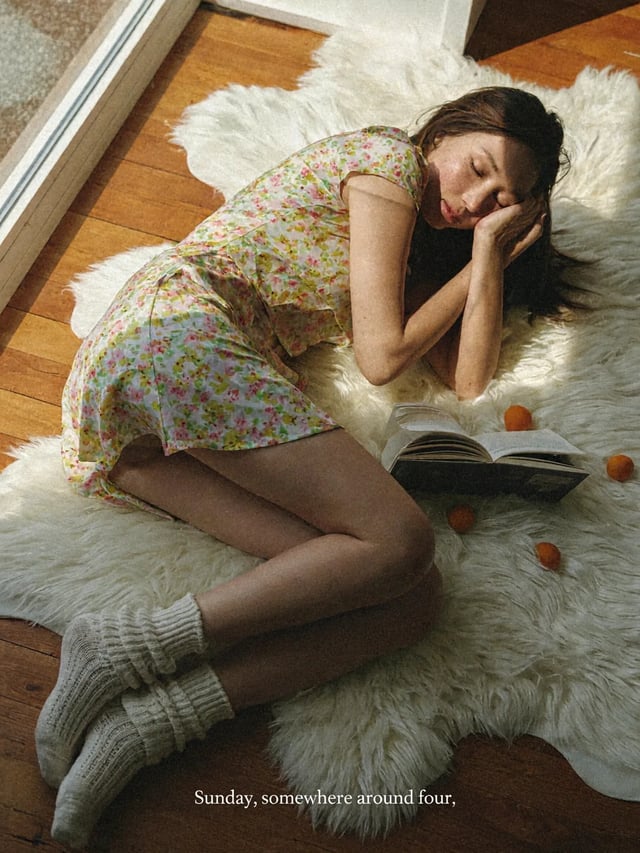
MiniMax H3 Image text to image
Describe a picture and get it at 2K or 4K. Then turn it into a MiniMax H3 Max video.
MiniMax H3 Image image to image
Upload up to 16 photos and describe the change. MiniMax H3 Image edits, merges or restyles them.
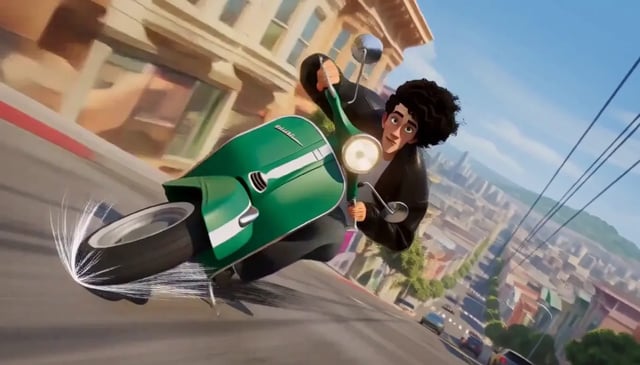
MiniMax H3 Max image to video
Upload a still as the first frame and describe the move. MiniMax H3 Max keeps the picture and adds the motion and the sound.